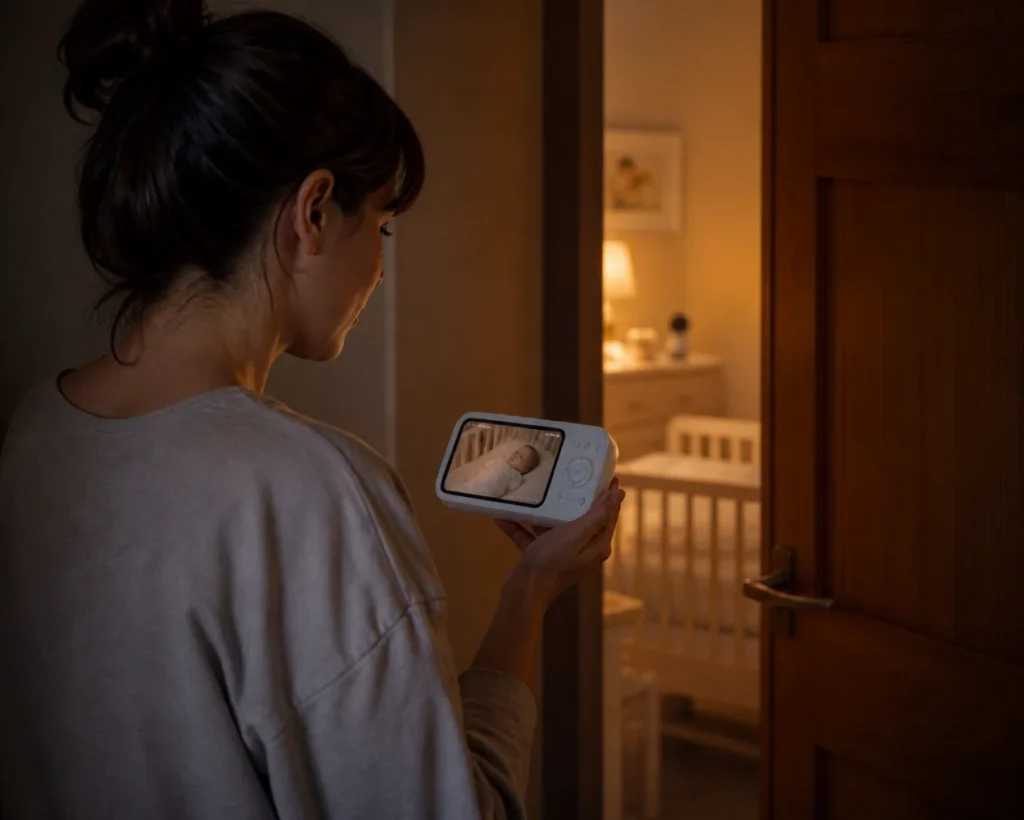
At 2:13 a.m., a spinning app icon feels much longer than it looks. The baby is down the hall, the router has chosen the wrong moment to restart, and the only question that matters is whether the nursery picture still works. For most families, a baby monitor without WiFi is enough when local viewing matters more than remote phone access; choose a hybrid model if occasional app viewing is still needed.
Privacy creates a second reason. Parents may not want routine nursery video tied to remote viewing or a cloud-connected account all day. Yet they may still want to check in from work once in a while. That tension explains why the term “without WiFi” means something broader in 2026 than it once did.
Modern non-WiFi baby monitors fall into two categories: closed local-only systems and hybrid models that let the household turn Wi-Fi access off and back on. Each fits a different routine. Neither is automatically the better choice before the family’s everyday viewing needs are clear.
What “Without WiFi” Means in 2026
The old mental picture is simple: a camera in the nursery talks directly to a parent unit, often over a radio connection, and no phone app is involved. That category still exists. It suits households that want a closed local viewing routine and have little interest in checking the camera from beyond the home.
Hybrid monitors change the definition. In offline mode, the camera and dedicated screen can keep the everyday viewing path local. Wi-Fi can be enabled when remote app access or family sharing is worth the extra connection. A shopper searching for a baby monitor no WiFi may be looking for a local-only default, not a device that can never connect to the internet.
That distinction matters on product pages. “Works without Wi-Fi” describes an operating mode; it does not necessarily mean the product is permanently disconnected. Families who want to compare current versions of both approaches can start with eufy non-WiFi baby monitors, then verify the connection controls on the exact model page.
Put the Offline and App Tradeoff on the Table
The table below breaks down the practical differences between offline and Wi-Fi enabled modes across common daily scenarios. Once remote access is disabled, a parent at work cannot open the feed, and relatives cannot use their phones to share a quick check. Offline mode is private in a practical sense because viewing stays close to home, but that privacy choice asks the household to give up convenience beyond the local connection.
| Daily question | Local or offline mode | Wi-Fi and app mode |
| Can the dedicated screen work when home internet is down? | Yes, on a monitor designed for a direct local feed | The local screen may still work, but remote app access depends on the network and service path |
| Can a parent view from work or while traveling? | No | Yes, when the model supports remote access and the account is connected |
| Can several relatives check their phones? | Usually no | Often yes, within the model’s sharing limits |
| Does turning Wi-Fi off eliminate every security risk? | No. It reduces remote attack surface but is not an absolute security guarantee. | No; account, router, app, software, and sharing practices all matter |
| What tends to need less attention at home? | Internet and cloud-account availability | Keeping the router, app, account, permissions, and device software secured |
The FTC recommends researching camera encryption, updating both camera and app software, securing the home router, using a strong unique password, and enabling two-factor authentication when available. It also advises buyers to consider a camera that can disable remote viewing. Those steps still matter for a hybrid monitor on the days Wi-Fi is turned back on. [Source: Federal Trade Commission, How To Secure Your Home Security Cameras]
How the eufy Baby Monitor C10 Handles Both Sides
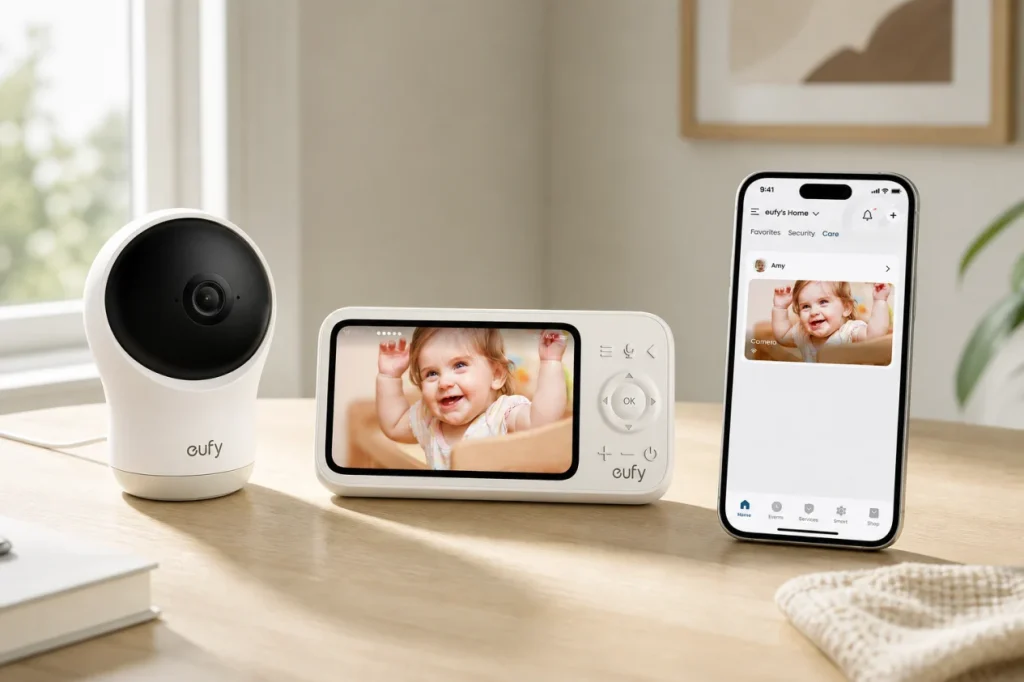
The eufy Baby Monitor C10 is a clear example of this hybrid design. It delivers a stable local feed via its dedicated screen without Wi-Fi, and supports remote app access when Wi-Fi is turned on.
That makes C10 relevant to a household whose preference changes by situation. The local screen can carry the ordinary bedroom-to-kitchen routine. On a long office day, the family can choose app access instead, accepting the additional network and account layer because distance matters more at that moment.
What Remains Useful in Offline Mode
C10’s camera provides 2K resolution, a 351-degree panoramic view, 60-degree tilt, 4× zoom, and split-screen viewing when the household has a second compatible camera. Those image and framing details matter locally; offline viewing does not have to mean a grainy throwback screen.
The dedicated screen has a 5,000mAh battery rated for up to 12 hours of screen time on one charge, based on eufy’s internal lab testing. Actual battery life can vary. The camera is different: it has no built-in battery and must stay connected to power with the provided USB-C cable. That is an easy detail to miss when “battery power” appears high on a comparison list.
What Comes Back When Wi-Fi Is On
Turning Wi-Fi on adds remote viewing through the app and lets the owner share access with up to five family members. Those are meaningful gains when one parent is away, grandparents help with care, or a caregiver needs a second set of eyes. They are not free of responsibility. Shared access should be limited to people who currently need it, and old permissions should be removed.
C10 also supports motion, cry, loud-sound, and temperature detection with adjustable sensitivity and notification intervals. These are awareness features, not medical monitoring. They should not be described as detecting SIDS, measuring breathing, checking blood oxygen, or proving that a baby is safe.
Test the House, Not the Range Claim
Signal behavior belongs to the building. A monitor may perform well across an open living room, then struggle through a brick chimney, a metal-backed wall, a stairwell, or two closed floors. Other wireless devices and crowded radio conditions can change the result too. “Whole-home coverage” should never be assumed from an open-area number.
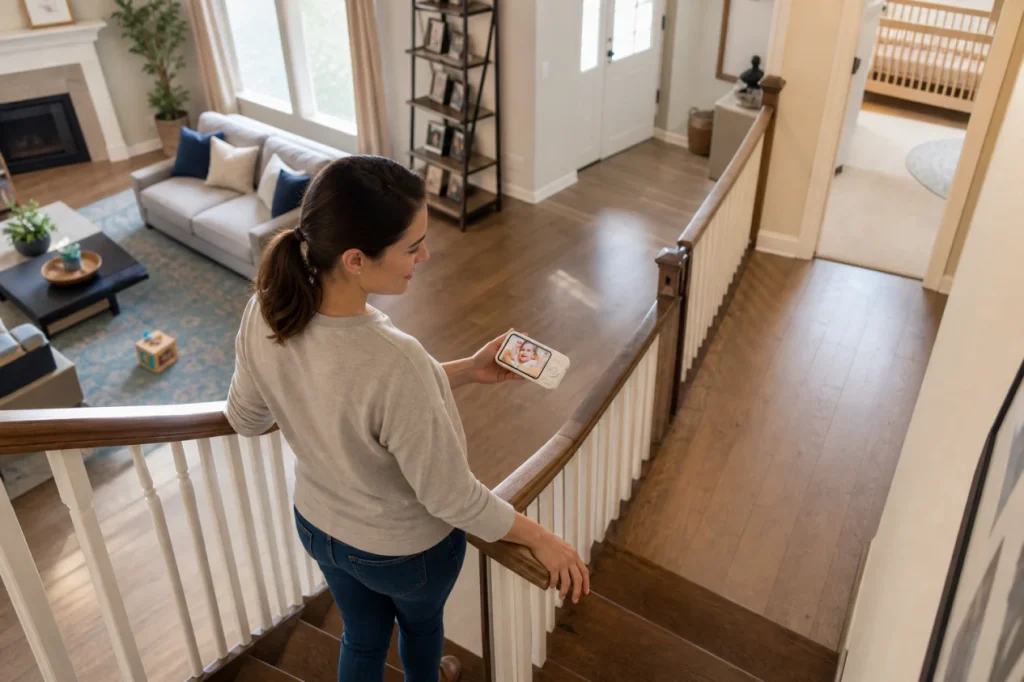
Run a short walk test before the return window closes. Put the camera where it will actually stay, take the parent screen to the kitchen, laundry area, porch, and the farthest overnight stopping point, then watch for freezes, delayed audio, or a lost connection. Repeat the route with doors closed and ordinary appliances running. A dead corner found at noon is easier to solve than one found after midnight.
Placement has a safety boundary as well as a signal boundary. Keep the camera, power cable, and mounting parts outside the child’s reach, follow the manufacturer’s installation instructions, and check the framing from the screen rather than moving equipment closer to the crib than directed. The best signal position is not useful if the cord can be reached.
Keep Monitoring Separate From Safe Sleep
A clear picture can be reassuring, but it does not create a safe sleep environment. The American Academy of Pediatrics recommends placing babies on their backs for every sleep on a firm, flat sleep surface, with soft objects and loose bedding kept out of the sleep area. A consumer baby monitor does not replace those practices or advice from a pediatrician. [Source: American Academy of Pediatrics, How to Keep Your Sleeping Baby Safe: AAP Policy Explained]
This boundary also keeps marketing claims in proportion. Cry, motion, sound, and temperature notifications can prompt a parent to look at the screen or enter the room. They cannot diagnose a condition, prevent SIDS, or certify normal breathing. A monitor shows and reports only what its camera, microphone, sensors, placement, power, and current connection allow.
Choose the Connection Rule Before the Product
The easiest buying decision begins with a household rule. If all routine viewing happens inside a modest home and one or two caregivers are present, local-only use may cover nearly every real need. An unreliable internet connection makes that case stronger.
A different household may need a different answer. A parent who travels, works long shifts, or coordinates care across several adults may value remote access enough to keep Wi-Fi on. For them, the better question is not whether cloud or app access exists; it is how carefully the account, router, updates, and sharing permissions will be managed.
Hybrid use sits between those routines. Wi-Fi can stay off during ordinary nights, then return for a specific day away from home. That choice only works when everyone understands the switch: local privacy increases when remote access is disabled, while phone viewing and multi-person sharing disappear with it.
Households that decide remote access is essential can compare more eufy baby monitors without abandoning the same checklist. Look past the resolution number. Confirm which screen works locally, what the camera needs for power, how Wi-Fi is disabled, who can receive app access, and what fails when the router does.
Conclusion
What most families seek when they search for a “no WiFi baby monitor” is not total disconnection. It is control over how far the nursery feed travels, and when it travels there.
The eufy Baby Monitor C10 fits this need cleanly. It does not force a choice between full-time cloud access and permanent offline use. It lets households set their own boundaries.
Peace of mind never comes from the longest list of features. It comes from picking a connection rule that feels right for your family, and being able to adjust it whenever your routine changes.
