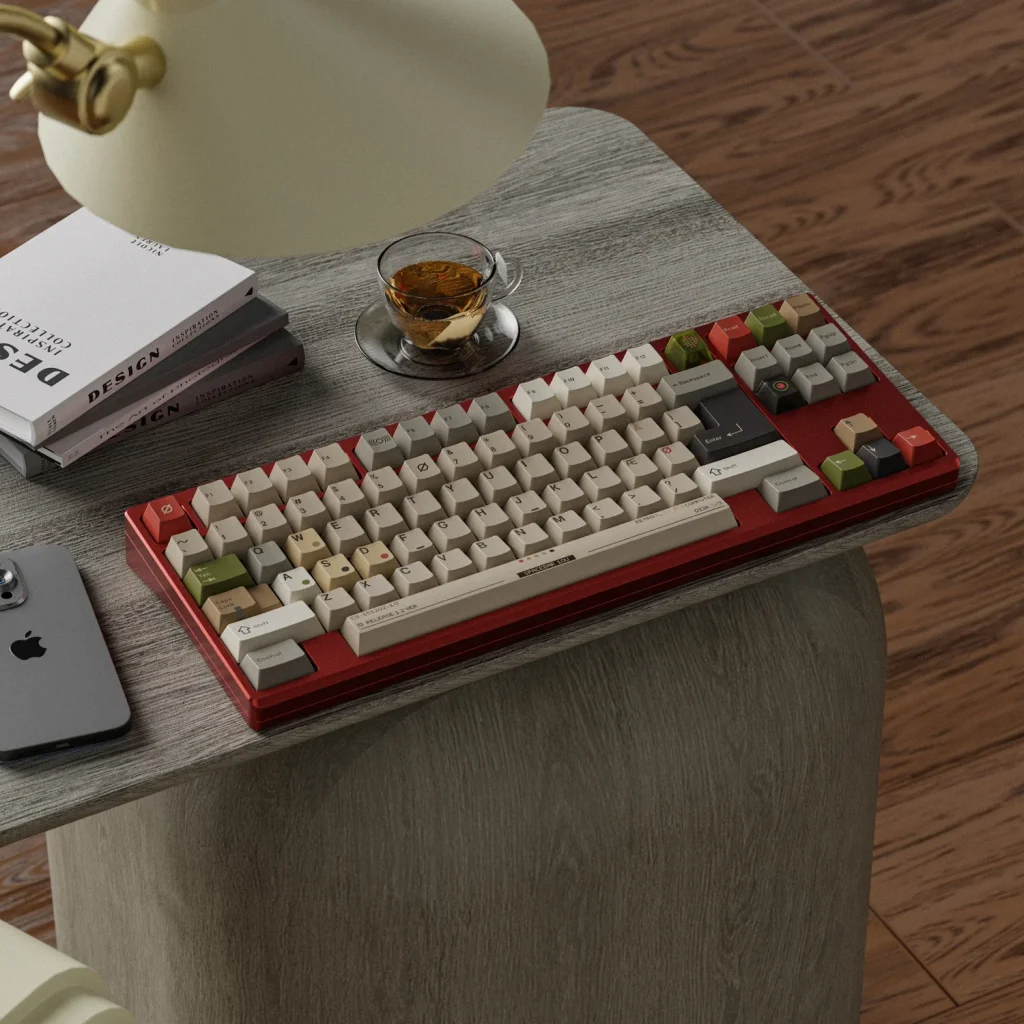
When it comes to building or choosing a mechanical keyboard, keyboard switches are one of the most important components that directly affect typing feel, sound, and performance. Whether you are a gamer, a programmer, or a casual user, the type of switch under each key can significantly influence your daily experience.
Modern mechanical switches have evolved from early typewriter-inspired designs into highly engineered components. According to mechanical switch manufacturers such as Cherry MX, premium switches are often rated for tens of millions of keystrokes, highlighting their long-term durability compared to membrane alternatives.
What Are Keyboard Switches and Why Do They Matter?
Keyboard switches are the individual mechanisms beneath each keycap that register a key press. In mechanical keyboards, each key has its own dedicated switch, unlike membrane keyboards where multiple keys share a single rubber sheet.
The importance of switches lies in how they define the typing experience. Factors such as actuation force, travel distance, feedback type, and sound profile all come from the switch itself. For example, a light linear switch can feel smooth and fast, while a tactile switch provides a noticeable bump that some users rely on for typing accuracy.
From a usability perspective, switch choice can affect typing speed, fatigue levels, and even noise in shared environments like offices. Research and user testing across enthusiast communities consistently show that switch preference is highly subjective, meaning there is no universally “best” option.
How Do Keyboard Switches Work? The Science Behind Key Presses
At a mechanical level, a keyboard switch operates using a spring-loaded stem that moves up and down inside a housing. When a key is pressed, the stem pushes downward until it reaches an actuation point, completing an electrical circuit and sending a signal to the computer.
Most mechanical switches follow a similar structure:
- Stem: Determines feel and travel path
- Spring: Controls resistance and return force
- Housing: Holds components together and affects sound
- Metal contacts: Register the keystroke
The concept is simple, but small variations in spring weight or stem design can significantly change the typing experience. This is why two switches that look similar can feel completely different in practice.
Most mechanical switches are rated between 50 million and 100 million keystrokes depending on design and manufacturer standards, which is significantly higher than typical membrane keyboards according to multiple industry benchmarks and product documentation.
What Are the Different Types of Keyboard Switches? Linear, Tactile, and Clicky Explained
There are three primary categories of mechanical keyboard switches: linear, tactile, and clicky. Each provides a distinct typing experience suited for different users.
| Switch Type | Feel | Sound | Best For |
| Linear | Smooth, no bump | Quiet to moderate | Gaming, fast typing |
| Tactile | Noticeable bump | Moderate | Typing, productivity |
| Clicky | Bump + click feedback | Loud | Typing enthusiasts |
Linear switches are favored for their smooth keystrokes, which allow rapid repeated inputs with minimal resistance. Tactile switches provide a physical bump at the actuation point, helping users feel when a key has been registered. Clicky switches add an audible click on top of the tactile bump, offering strong feedback but often producing more noise.
A broad overview of mechanical switch categories is also documented in technical references such as computer keyboard switch mechanisms, which highlights how different switch designs evolved to serve varying user needs.
How to Choose the Right Keyboard Switch for Your Needs? Gaming vs Typing vs Productivity
Choosing the right keyboard switch depends heavily on your primary use case and personal preference.
For Gaming: Linear switches are often preferred due to their smooth travel and faster actuation. Many gamers value reduced resistance for rapid key presses in competitive environments.
For Typing: Tactile switches are commonly chosen because the physical bump helps reduce typing errors and provides confirmation without needing to bottom out each key.
For Office/Productivity: Quiet tactile or silent linear switches are often ideal, especially in shared environments where noise control matters.
It is also worth noting that switch weight (measured in grams of force) plays a role in comfort. Lighter switches may reduce fatigue during long sessions, while heavier switches can help prevent accidental key presses.
What Are the Best Keyboard Switches for Different Use Cases and Preferences?
While there is no single “best” switch, certain well-known options are commonly recommended across the mechanical keyboard community:
- Linear: Cherry MX Red, Gateron Yellow, Kailh Red
- Tactile: Cherry MX Brown, Zealios V2, Boba U4T
- Clicky: Cherry MX Blue, Kailh Box White
Manufacturers like Cherry have helped standardize switch performance expectations across the industry, particularly in terms of durability and actuation consistency. However, newer brands and custom switch makers continue to innovate with smoother rails, reduced wobble, and improved acoustics.
For users exploring customization, hot-swappable keyboards allow easy switch replacement without soldering, making it easier to experiment with different feels before committing.
If you want to explore a wide range of options, you can browse curated selections of keyboard switches to compare different types and find the one that fits your needs.
Conclusion
Keyboard switches are a foundational element of any mechanical keyboard, shaping how it feels, sounds, and performs. From smooth linear switches for gaming to tactile options for typing accuracy, understanding switch differences can help you make a more informed decision.
Rather than searching for a universally “best” switch, the more practical approach is to match switch characteristics to your personal workflow and comfort preferences. Testing different types whenever possible remains one of the most reliable ways to find your ideal setup.
FAQs
What is the difference between mechanical and membrane keyboard switches?
Mechanical switches use individual physical mechanisms for each key, offering more durability and distinct feedback. Membrane keyboards use a rubber dome sheet, which is generally quieter and less expensive but may provide less precise feedback.
Are linear switches better for gaming than tactile switches?
Linear switches are often preferred for gaming due to their smooth keystrokes and reduced resistance, but some players still prefer tactile switches depending on personal feel and accuracy needs.
How long do keyboard switches typically last?
Most mechanical keyboard switches are rated for approximately 50 million to 100 million keystrokes, depending on the manufacturer and model. Actual lifespan may vary based on usage conditions.
